


Wireless Gaming Mouse hole usb
# Wireless Gaming Mouse – Ergonomic USB Computer Mouse Upgrade your gaming setup with this Wireless Gaming Mouse, designed for comfortable everyday computer use, gaming, studying, and office work. Featuring a modern ergonomi...
HURRY UP! ONLY 28402 LEFT IN STOCK
Wireless Gaming Mouse hole usb
Pairs well with
Very good mouse for gaming tested it on few games mouse is smooth and responsive. i also like the metal x'glide feature and its lighter than my older mouse that is another plus, i like the extra buttons on it too. might take some time to get fully used to it but mouse is comfortable
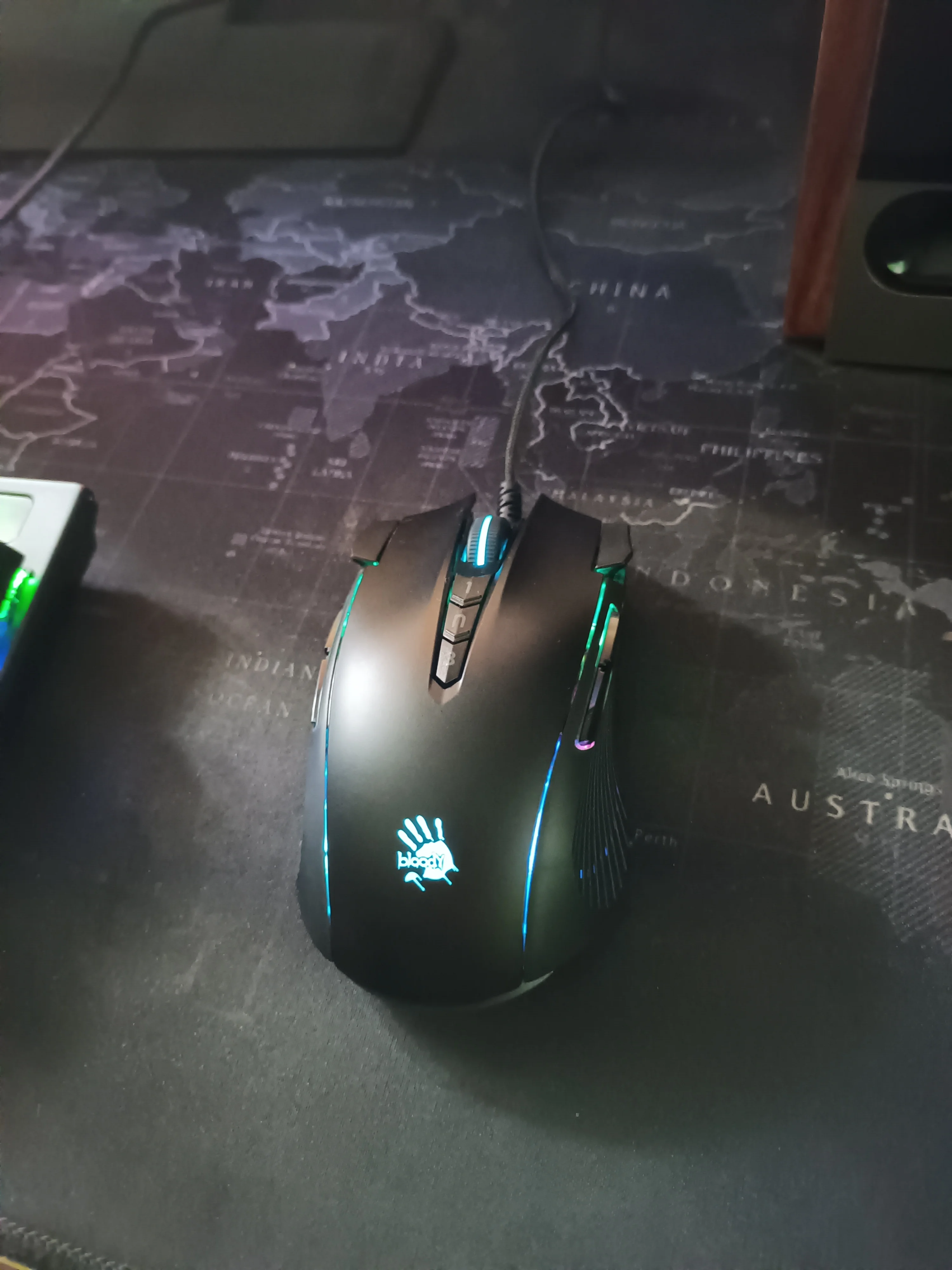
Good grip and software, although difficult to find through French links, easy to use. Easy programming and ultra-precise mouse.
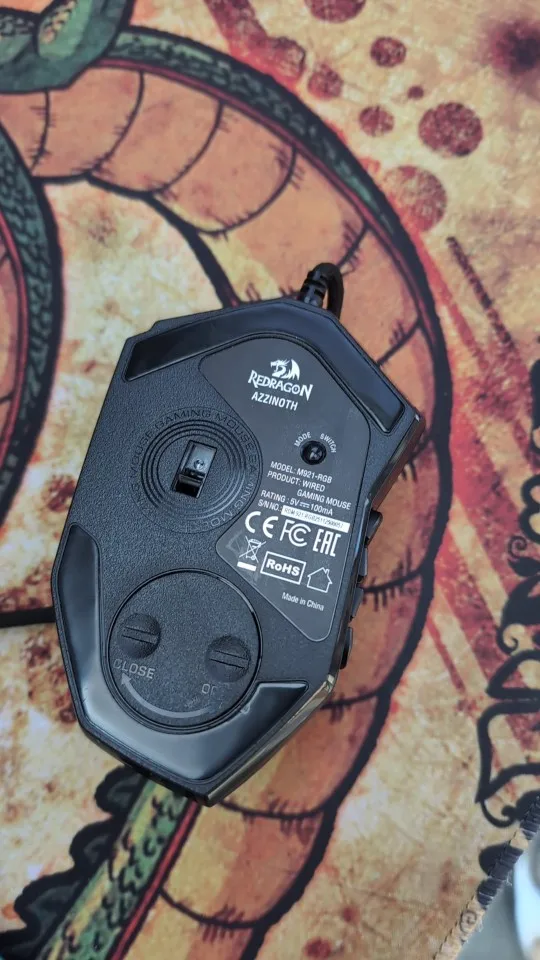
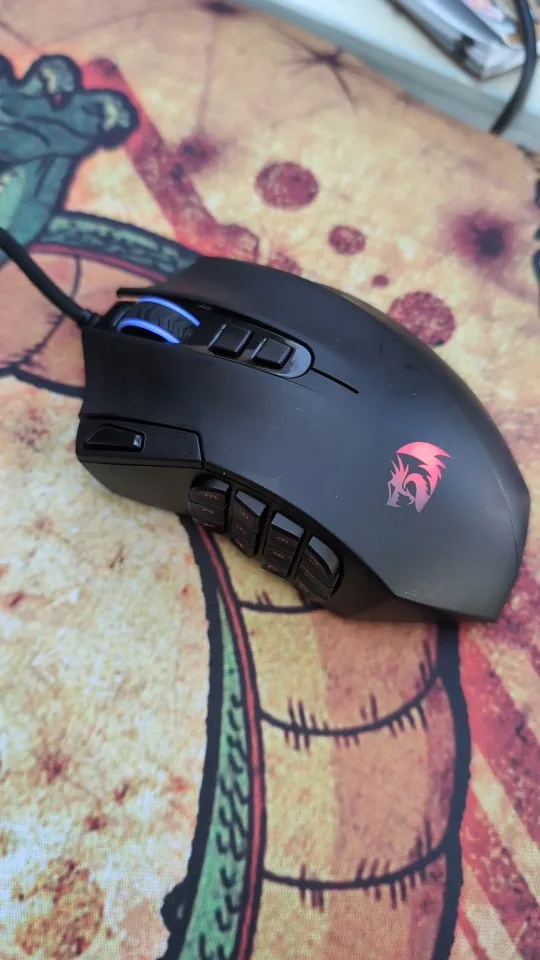
I bought it thinking it was big, but it's a bit smaller than I expected.
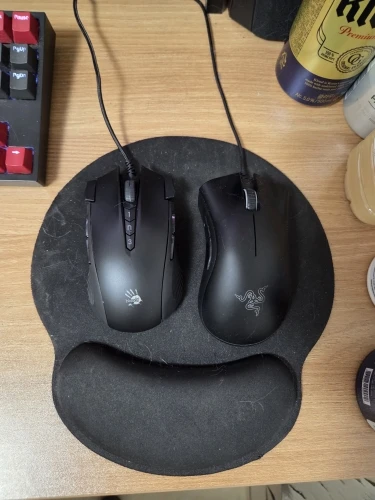
It's an amazing budget mouse for gaming so many programmable buttons macros etc how was happy with the delivery 🚚 A great place to buy your products
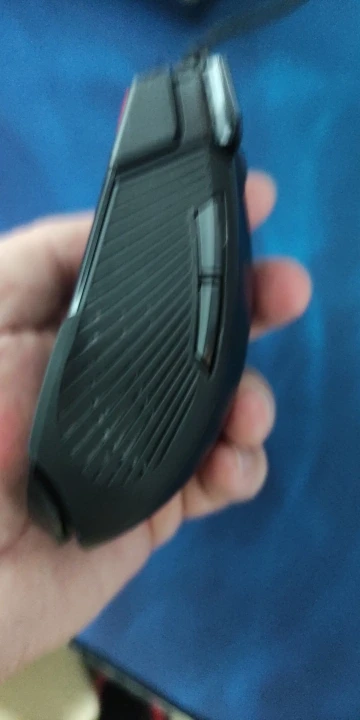
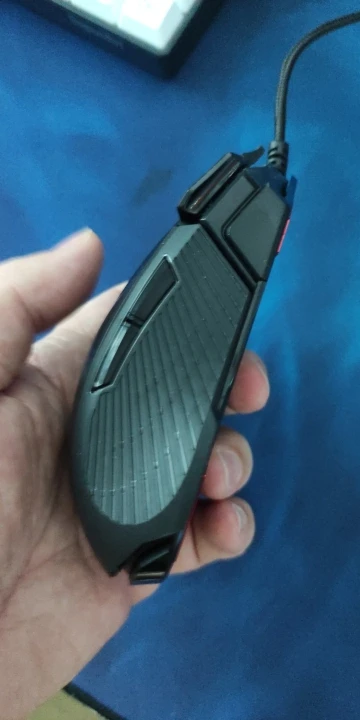
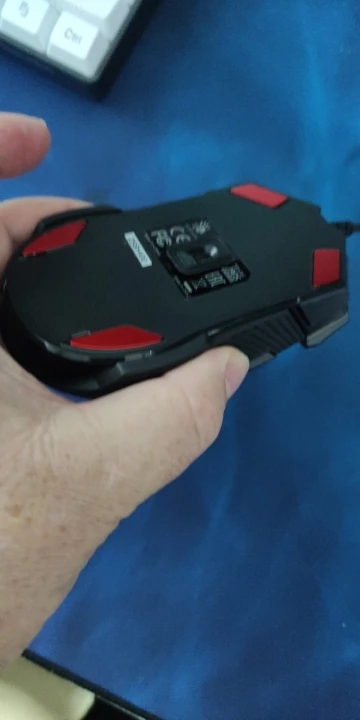

All mouse functions operate normally, and core activation works well. It's great to have purchased a good product.
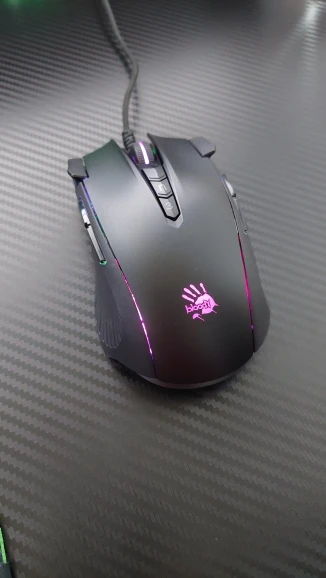
Very fast delivery.
The product was well packaged and arrived without any defects.
Good quality, I recommend this mouse.
Everything is perfect
It works well.
Heavyness
It's really convenient because there are so many buttons. And I also like that the buttons are not all concentrated on the sides, but are placed at the ends of the left and right buttons, one on each side. If you install the software and set up macros, everything will be saved in the mouse hardware even without the program. The downside is that the mouse is a bit heavy, and my hand size is relatively small, so the mouse feels slightly large for me, but I think I can get used to that. For reference, the click pressure doesn't seem to be light.
Usually, mice have separate DPI settings in their profiles, so the number of buttons is already limited, and it's quite difficult to change the DPI while changing the profile. However, this mouse has DPI settings that are applied independently of the profile. For example, even if you set the DPI to 800 and change the profile, it still remains at 800, and even if you change it to 1000 and change the profile, it still remains at 1000. This is really comfortable. Once you turn on the program and set it up, you can freely change the DPI and profiles even without the program running, and it supports up to 7 profiles.
The macro function seems to work for most things. I haven't used it for complex operations like typing a specific key sequence or entering a specific number after clicking, but it seems that you can set up specific actions to be executed by setting coordinates or using if statements. If you're only going to use it simply, I think you'll end up writing functions in the macro tab called 'Combo' (in my case), but if you want to get a bit more complex by adding coordinates or conditional statements, I think you'll need to write more complex functions in the 'OscarII' or 'OscarIII' tabs.
Anyway, I think I bought a good product and I hope it doesn't break and lasts a long time.
I am very pleased with the functional and high-quality product, as well as the faster-than-expected delivery and friendly customer service. The macro settings are also convenient and I really like it.
It works normally and core activation went well. Delivery came in a week, so I'm satisfied.
Very good mouse for gaming tested it on few games mouse is smooth and responsive. i also like the metal x'glide feature and its lighter than my older mouse that is another plus, i like the extra buttons on it too. might take some time to get fully used to it but mouse is comfortable
Good grip and software, although difficult to find through French links, easy to use. Easy programming and ultra-precise mouse.
I bought it thinking it was big, but it's a bit smaller than I expected.
It's an amazing budget mouse for gaming so many programmable buttons macros etc how was happy with the delivery 🚚 A great place to buy your products
All mouse functions operate normally, and core activation works well. It's great to have purchased a good product.
Very fast delivery.
The product was well packaged and arrived without any defects.
Good quality, I recommend this mouse.
Everything is perfect
It works well.
Heavyness
It's really convenient because there are so many buttons. And I also like that the buttons are not all concentrated on the sides, but are placed at the ends of the left and right buttons, one on each side. If you install the software and set up macros, everything will be saved in the mouse hardware even without the program. The downside is that the mouse is a bit heavy, and my hand size is relatively small, so the mouse feels slightly large for me, but I think I can get used to that. For reference, the click pressure doesn't seem to be light.
Usually, mice have separate DPI settings in their profiles, so the number of buttons is already limited, and it's quite difficult to change the DPI while changing the profile. However, this mouse has DPI settings that are applied independently of the profile. For example, even if you set the DPI to 800 and change the profile, it still remains at 800, and even if you change it to 1000 and change the profile, it still remains at 1000. This is really comfortable. Once you turn on the program and set it up, you can freely change the DPI and profiles even without the program running, and it supports up to 7 profiles.
The macro function seems to work for most things. I haven't used it for complex operations like typing a specific key sequence or entering a specific number after clicking, but it seems that you can set up specific actions to be executed by setting coordinates or using if statements. If you're only going to use it simply, I think you'll end up writing functions in the macro tab called 'Combo' (in my case), but if you want to get a bit more complex by adding coordinates or conditional statements, I think you'll need to write more complex functions in the 'OscarII' or 'OscarIII' tabs.
Anyway, I think I bought a good product and I hope it doesn't break and lasts a long time.
I am very pleased with the functional and high-quality product, as well as the faster-than-expected delivery and friendly customer service. The macro settings are also convenient and I really like it.
It works normally and core activation went well. Delivery came in a week, so I'm satisfied.